Who is this switch best for?
- Office LAN expansion
- CCTV and IP camera networks
- WiFi access point connectivity
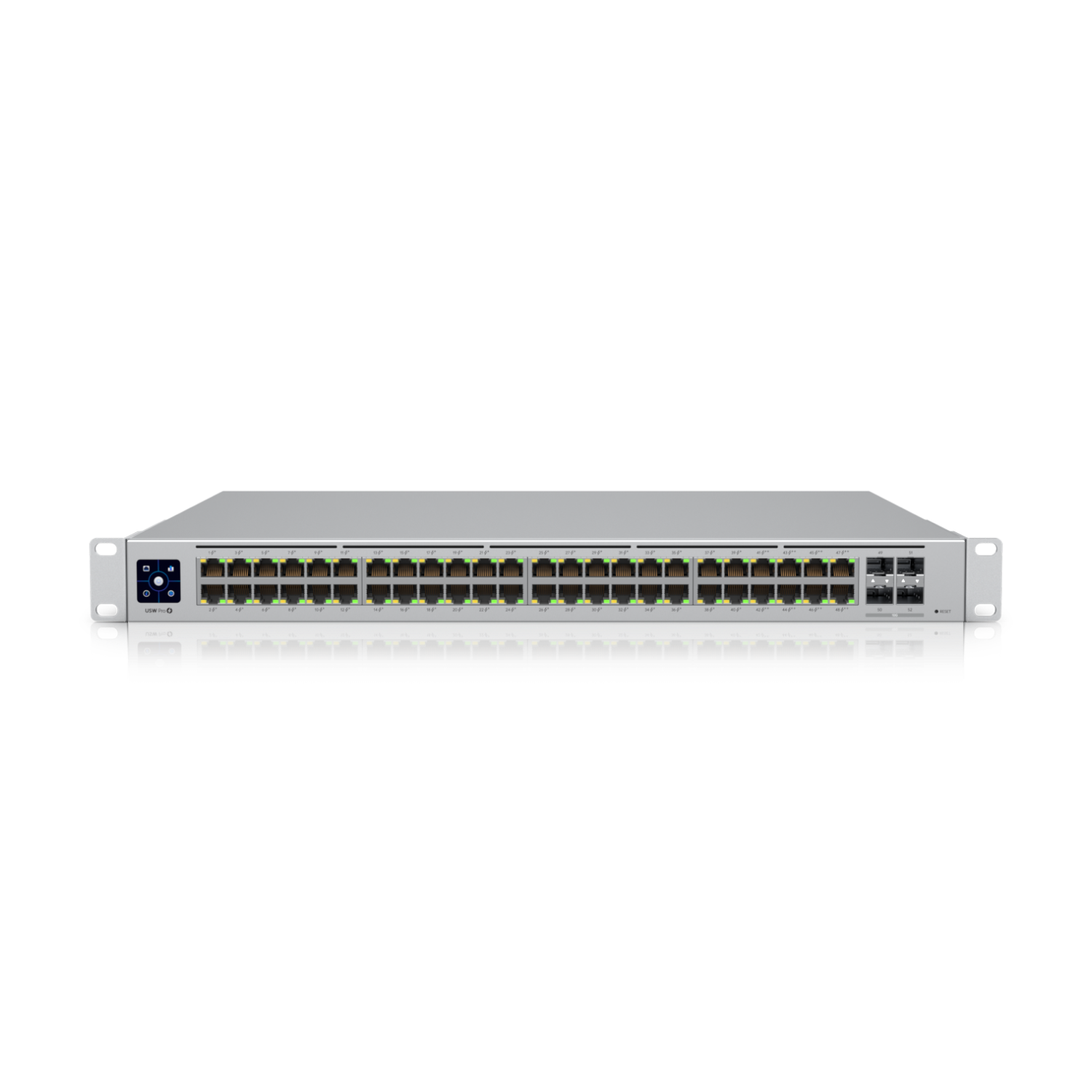
Works with standard Ethernet networking equipment including routers, computers, IP cameras, access points and servers. Confirm port, PoE and mounting requirements before purchase.
Check the product label or manufacturer datasheet for exact input voltage, power adapter and PoE requirements.
The Ubiquiti UniFi USW-48-PoE is a managed Gigabit switch for offices, schools, hotels and businesses that need numerous wired connections and centralized network administration. It connects computers, printers, access points, IP phones and cameras through one rack-mounted distribution point.
The switch has 48 Ethernet ports, but only 32 provide PoE+. The remaining 16 are data-only. Its 195W shared PoE budget supplies compatible devices, so the installation must account for their combined maximum power requirements. techspecs.ui.com
Managed through UniFi Network, the USW-48-PoE suits organizations already using UniFi equipment or planning a centrally administered network.
Contact Network Switch Kenya for a quotation covering the exact USW-48-PoE model, required accessories and installation services.
Before ordering, confirm:
Explore the networking equipment available at Network Switch Kenya when planning the complete installation.
The switch provides a central connection point for equipment across an office or building. Consolidating connections can simplify patching, labelling and maintenance compared with several small switches distributed around the premises.
Gigabit interfaces support capable endpoints, but actual performance depends on cabling, uplinks and the rest of the network.
PoE for Compatible EquipmentPoE carries power and data through one Ethernet cable, reducing the need for a separate socket beside each compatible device.
This is useful for ceiling-mounted access points, cameras and IP phones. Confirm the required power standard before connecting equipment, particularly devices needing PoE++ or passive PoE.
Centralized UniFi AdministrationUniFi Network provides a common management interface for adopted equipment. Clear device names and port labels help administrators identify connections and investigate faults.
Quiet InstallationThe fanless design suits locations where equipment noise matters. Adequate ventilation remains necessary, and Ubiquiti instructs users not to stack equipment on top of the switch. dl.ui.com
Optical Uplink OptionsSuitable SFP modules allow fibre connections to other network locations. Select modules around the fibre type and the equipment at the opposite end.
Watch the product video on YouTube
Specifications follow Ubiquiti’s technical listing and installation guide. The optical interfaces are 1Gbps SFP ports, not 10Gbps SFP+ uplinks. techspecs.ui.com
The available power is shared across connected devices. Having 32 powered ports does not mean all 32 can deliver their individual maximum simultaneously.
Illustrative installationCombined demandPlanning result12 devices requiring 10W each120WLeaves some operating margin16 devices requiring 12W each192WLeaves very little margin20 devices requiring 12W each240WExceeds the budget32 devices requiring 8W each256WExceeds the budgetCalculate demand using each device’s maximum requirement. Camera infrared illumination, startup behaviour and cable losses can affect the installation.
Where more power is required, compare a suitably rated alternative. The D-Link DGS-1210-52MP managed PoE switch at Tawa is a different product to assess against your requirements; confirm its hardware revision and specifications separately.
Connect computers, printers, compatible phones and access points through a central rack installation. A planned port layout makes future changes easier to manage.
Schools and Training CentresDistribute connectivity to classrooms, administration areas and wireless infrastructure. Size the network around simultaneous demand and expected expansion.
Hotels and GuesthousesConnect suitable equipment serving guest and operational networks. Network separation requires coordinated switch, access-point and gateway settings.
CCTV NetworksProvide connectivity and power to compatible cameras. A separate NVR or recording server handles video storage, and its channel and bandwidth limits must also be considered.
For a smaller installation, review the Ubiquiti UniFi USW-16-PoE at ReisenSEO. Its port arrangement and power budget must be assessed independently.
The supplied UniFi Standard 48 listing at Ubiquiti UniFi Kenya identifies USW-48, a separate model. Specify USW-48-PoE on your quotation when powered ports are required.
For a compact switching point with different management and power requirements, you can also review the MikroTik RB260GS at Network Switch Kenya. It serves a different installation scale and should not be treated as an equivalent replacement.
Prepare a connection schedule showing powered devices, data-only devices and uplinks.
Calculate the total PoE requirement before installation. Reserve appropriate connections for each device and leave practical margin for additional demand.
2. Prepare UniFi NetworkUse a supported UniFi console, CloudKey or another supported hosting arrangement for UniFi Network.
For straightforward initial adoption, place the switch and management application on the same local network. Ensure the network provides appropriate addressing and connectivity.
3. Mount and Power the SwitchFit the supplied brackets in a suitable rack. Check cabinet depth, ventilation and clearance for rear power connections and front cabling.
Connect the power cord to a grounded supply. If using a UPS, size it for the switch and connected PoE load.
4. Connect One UplinkConnect the switch to the router or main network using one Ethernet uplink initially.
Avoid parallel connections until a supported aggregation or redundancy arrangement has been configured at both ends.
5. Adopt the SwitchOpen UniFi Network, locate the switch in the device list and select Adopt. Allow provisioning to complete.
If discovery fails, check power, cabling, addressing and communication with the application. A previously managed unit may require transfer from its existing installation; preserve configuration before considering a reset.
Ubiquiti’s adoption guide explains the device-list process and requirements for more complex network layouts. help.ui.com
6. Name the Switch and Check FirmwareAssign a recognizable name such as Main-Office-Switch.
Apply suitable supported updates during a maintenance window. Keep power stable throughout the update and confirm operation afterward.
7. Configure Networks and PortsConfigure access ports for ordinary endpoints and tagged uplinks where required.
Coordinate VLAN settings with the router, other switches and access points. Preserve management access while changing the uplink configuration.
The switch provides Layer 2 connectivity; routing between VLANs requires an appropriate gateway.
8. Connect PoE Equipment GraduallyAttach verified compatible devices to Ports 1–32 one at a time. Review power consumption and confirm each device operates correctly.
Use Ports 33–48 for data-only connections where appropriate. Check remaining capacity before adding further powered equipment.
9. Install Fibre Connections if RequiredInsert compatible 1Gbps SFP modules and connect matching fibre leads.
Verify optical compatibility and link operation before relying on the connection. Do not assume a 10Gbps transceiver will work.
10. Test and DocumentRun the intended applications together, including simultaneous camera or wireless traffic where relevant.
Review port negotiation, errors and PoE consumption. Save a UniFi configuration backup and document the port assignments.
Ubiquiti’s installation guide lists:
Confirm the seller’s package. Network cables, SFP modules and fibre leads should be specified separately. dl.ui.com
No. Ports 1–32 provide PoE; Ports 33–48 are data-only.
Can it power PoE++ equipment?Use another compatible power arrangement for devices requiring PoE++.
Does it provide Wi-Fi?No. Connect suitable wireless access points.
Can it replace a router?No. Gateway services require an appropriate router.
Does it record CCTV footage?No. Recording requires an NVR or other recording system.
Contact Network Switch Kenya for a quotation. Include your device count, maximum power requirements and uplink needs so the proposed installation can be checked before purchase.
Ubiquiti UniFi USW-48-PoE 48-Port Gigabit PoE Switch Price in Kenya is currently listed as available. Stock can change, so confirm availability before placing a large order.
The current listed price is KSh 90,000.00. Prices are generated from the product catalogue and may change when inventory is updated.
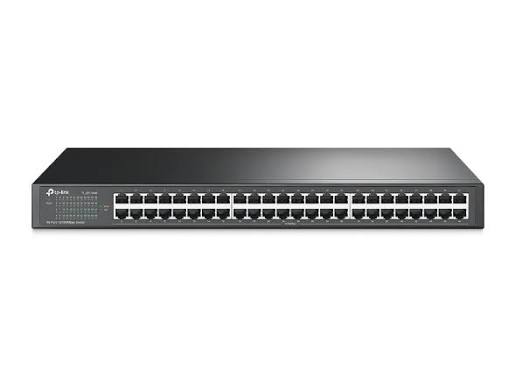
TP-Link
48-Port | Fast Ethernet | Unmanaged
In Stock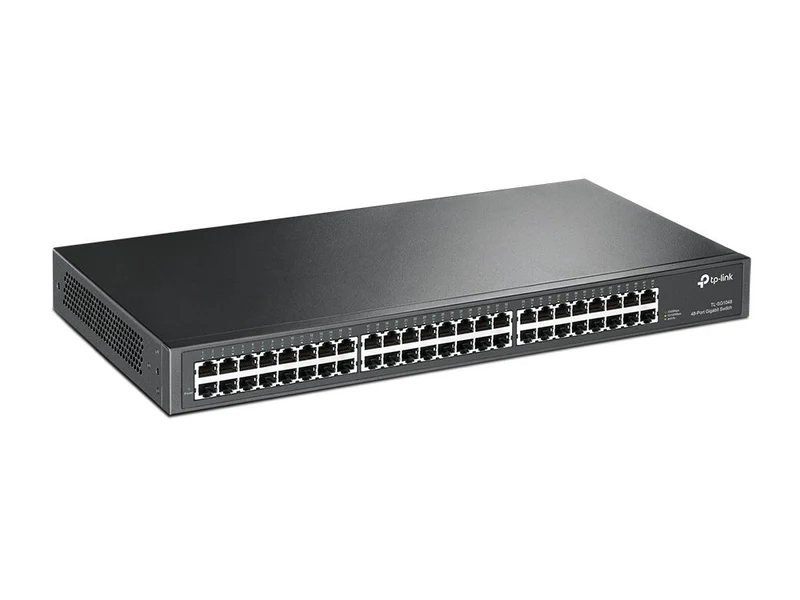
TP-Link
48-Port | Gigabit | Unmanaged
In Stock
Ubiquiti
18-Port | Gigabit | PoE+ | 2× SFP | Cloud Managed
In Stock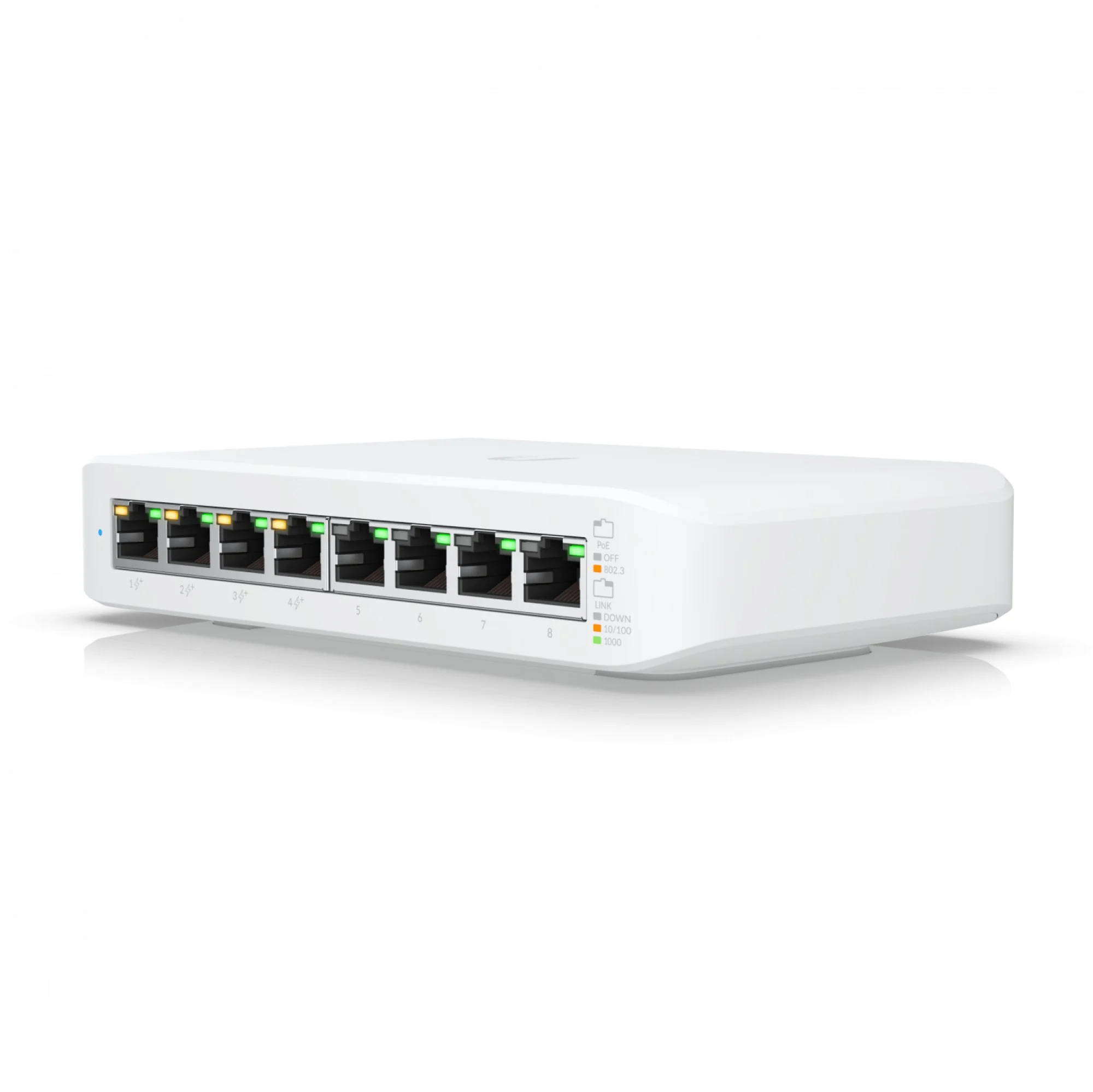
Ubiquiti
8-Port | Gigabit | PoE+ | Cloud Managed
In Stock