Who is this switch best for?
- Office LAN expansion
- CCTV and IP camera networks
- WiFi access point connectivity
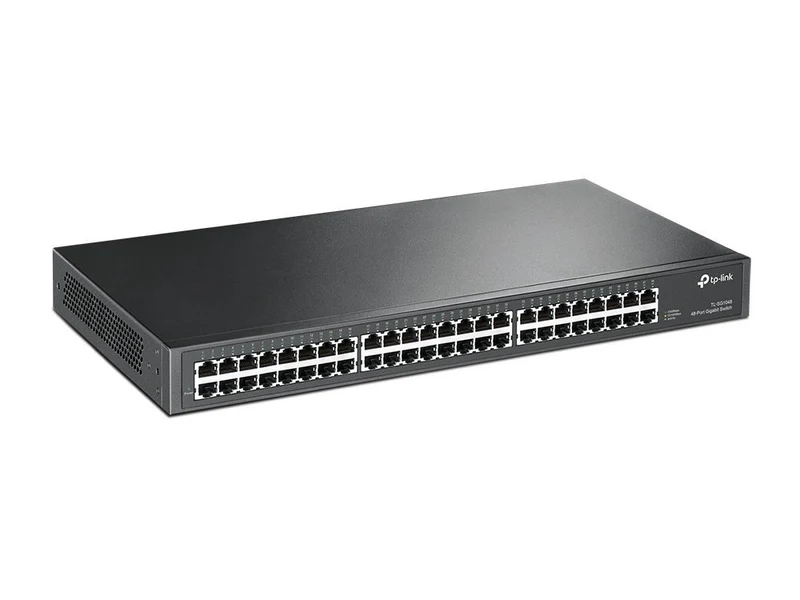
Works with standard Ethernet networking equipment including routers, computers, IP cameras, access points and servers. Confirm port, PoE and mounting requirements before purchase.
Check the product label or manufacturer datasheet for exact input voltage, power adapter and PoE requirements.
The TP-Link SG1048, officially listed by TP-Link as the TL-SG1048, is a practical solution for expanding wired connectivity in offices, schools, computer laboratories and business premises. Its 48 Gigabit Ethernet ports provide space for computers, printers, servers and other Ethernet devices, while its unmanaged design makes installation straightforward.
This switch suits businesses that need plenty of wired connections without configuring a managed network switch. Its steel enclosure fits a standard 19-inch rack, making it suitable for installation alongside patch panels and other networking equipment. TP-Link
Explore the TP-Link SG1048 at Network Switch Kenya and request a quotation that confirms the hardware version, supplied accessories, warranty terms and delivery arrangements.
A single central switch can make cabling easier to organise than several smaller switches spread across an office. It also provides room for additional workstations as your business grows.
Plan your port allocation before installation. With one connection reserved for your router or upstream switch, 47 ports remain available for other devices. Additional uplinks or connected switches also consume ports.
Support Everyday Business NetworkingGigabit connections are useful for transferring documents, accessing shared storage, running networked applications and connecting multiple workstations.
Actual transfer speeds depend on the entire connection: the computer’s network adapter, cable quality, storage performance and the device at the other end. A faster switch cannot increase an internet connection beyond the speed supplied by your ISP.
Keep Installation SimpleAn unmanaged switch is a useful choice when your priority is expanding an existing LAN with minimal configuration. Your router continues handling internet access, DHCP addressing and network security.
For businesses comparing network equipment, browse the supplied TP-Link switch catalogue at Orbitlink Solutions or the TP-Link search page at Tawa.
Watch the supplied TP-Link SG1048 product video on YouTube
These core specifications follow TP-Link’s published product information. Memory, jumbo-frame support, dimensions and power consumption can vary between hardware revisions, so confirm the supplied version when ordering. TP-Link
Cooling: Do not assume this model is fanless. TP-Link’s V5 datasheet identifies a fan-cooled design, which may matter when installing the switch near desks or meeting rooms. static.tp-link.com
Connect desktop computers, network printers and shared storage to a central wired network. A rack installation can keep connections accessible and easier to maintain.
Schools and Computer LaboratoriesUse the switch to connect classroom computers and laboratory workstations. Allow spare ports for the router, teacher’s computer, printers and future expansion.
CCTV NetworksThe switch can carry traffic between cameras, recording equipment and other network devices. However, cameras require a separate suitable power source because this model does not supply PoE.
For a CCTV installation, calculate the combined camera traffic and check the recorder’s incoming bandwidth before deciding how to connect the network.
Access Points and VoIP PhonesThe switch can provide Ethernet connectivity to wireless access points and IP phones. Devices that rely on PoE need compatible injectors or a separate PoE switch.
Check each device’s power requirements before selecting an injector; passive PoE and standards-based PoE are not interchangeable.
List the equipment that needs a wired connection and assign a port to each device. Include your router connection and leave spare ports for expansion.
Prepare:
Use properly terminated cables with all four wire pairs connected for Gigabit Ethernet. Keep each standard copper Ethernet channel within 100 metres.
2. Position or Mount the SwitchFor rack installation, attach the supplied mounting brackets and secure the switch using hardware appropriate for your rack.
For desktop installation, place it on a stable surface and fit the rubber feet where supplied. Keep ventilation openings clear and avoid locations exposed to moisture, heavy dust or excessive heat.
Route cables so their weight does not pull on the ports.
3. Connect PowerConnect the supplied power cord to the switch and a suitable mains outlet or UPS. Check that the power indicator turns on.
A UPS can keep the switch running during a brief outage, but the router, access points and other essential devices also need backup power for the network to remain usable.
4. Connect the RouterConnect a LAN port on your router to an available switch port using an Ethernet cable.
The router should already be configured for your internet service. In a typical small-office network, it also provides IP addresses through DHCP.
The SG1048 does not replace the router or require you to enter ISP credentials into it.
5. Connect Your DevicesConnect computers, printers and other Ethernet devices to the remaining ports.
For a building with structured cabling, connect switch ports to the patch panel, then connect equipment to the corresponding wall outlets. Label both ends to make troubleshooting easier.
Use only the intended uplink between switches. Avoid creating a loop by connecting multiple paths without a network design that safely supports them.
6. Check Addressing and ConnectivitySet computers to obtain an IP address automatically if your router provides DHCP.
Confirm that a connected computer can:
Printers and servers may benefit from DHCP reservations configured on the router.
7. Check Connection SpeedsUse your computer’s network settings to check the negotiated Ethernet speed. If a Gigabit-capable device connects at only 100Mbps, inspect the cable, connectors and network adapter settings.
Test local transfers between suitable devices when assessing LAN performance. An internet speed test primarily measures your internet connection.
8. Document the InstallationRecord port assignments, cable labels and the location of connected equipment. Keep the switch’s model, hardware revision and purchase details with your network documentation.
This makes future maintenance easier, especially when several rooms or departments share the same cabinet.
For a smaller installation, consider the TP-Link TL-SG1016D 16-Port Gigabit Switch. Browse Network Switch Kenya for alternatives that better match your port count, management or PoE requirements.
A complete installation may also need a router, wireless access points, patch panels and power accessories. The supplied MikroTik Kenya networking catalogue and Ubiquiti UniFi Kenya search page provide additional browsing options.
Check individual model specifications when selecting supporting equipment; these catalogue links are not exact-model specification references.
TP-Link lists the following items:
Confirm the contents and power-plug type for the supplied regional package. TP-Link
No. Connect a separate wireless access point if you need wireless coverage.
Can it power CCTV cameras?No. Use appropriate camera power supplies, compatible PoE injectors or a PoE switch.
Does it need software installation?Normal operation does not require switch-management software. Connected devices still need appropriate network settings.
Can all connected computers access the internet?Yes, provided the switch connects to a correctly configured router with internet access. Devices share the available internet bandwidth.
Is it suitable for networks requiring separate departments or guest access?If you need to enforce separation through configured VLANs, select a managed switch and design the router and access-point configuration accordingly.
Expand your wired network with the TP-Link SG1048 48-Port Gigabit Ethernet Switch from Network Switch Kenya. Request a current quotation and confirm the hardware revision, warranty, accessories and delivery details before ordering.
TP-Link SG1048 48-Port Gigabit Ethernet Switch Price in Kenya is currently listed as available. Stock can change, so confirm availability before placing a large order.
The current listed price is KSh 25,000.00. Prices are generated from the product catalogue and may change when inventory is updated.
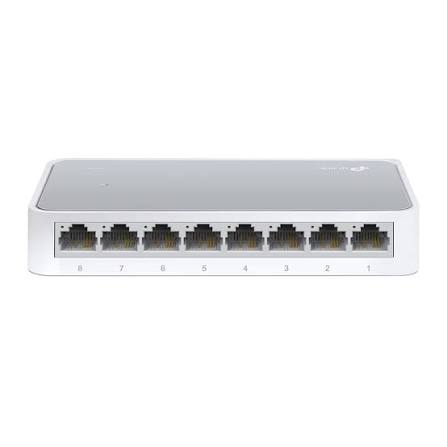
TP-Link
8-Port | Fast Ethernet | Unmanaged
In Stock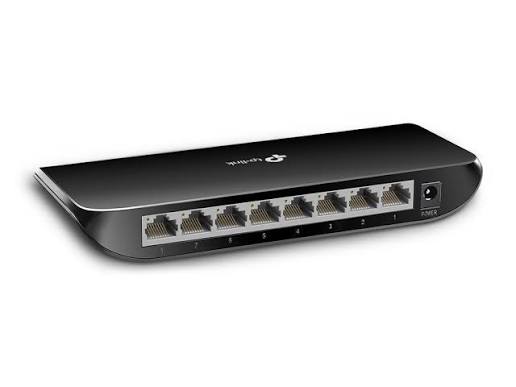
TP-Link
8-Port | Gigabit | Unmanaged
In Stock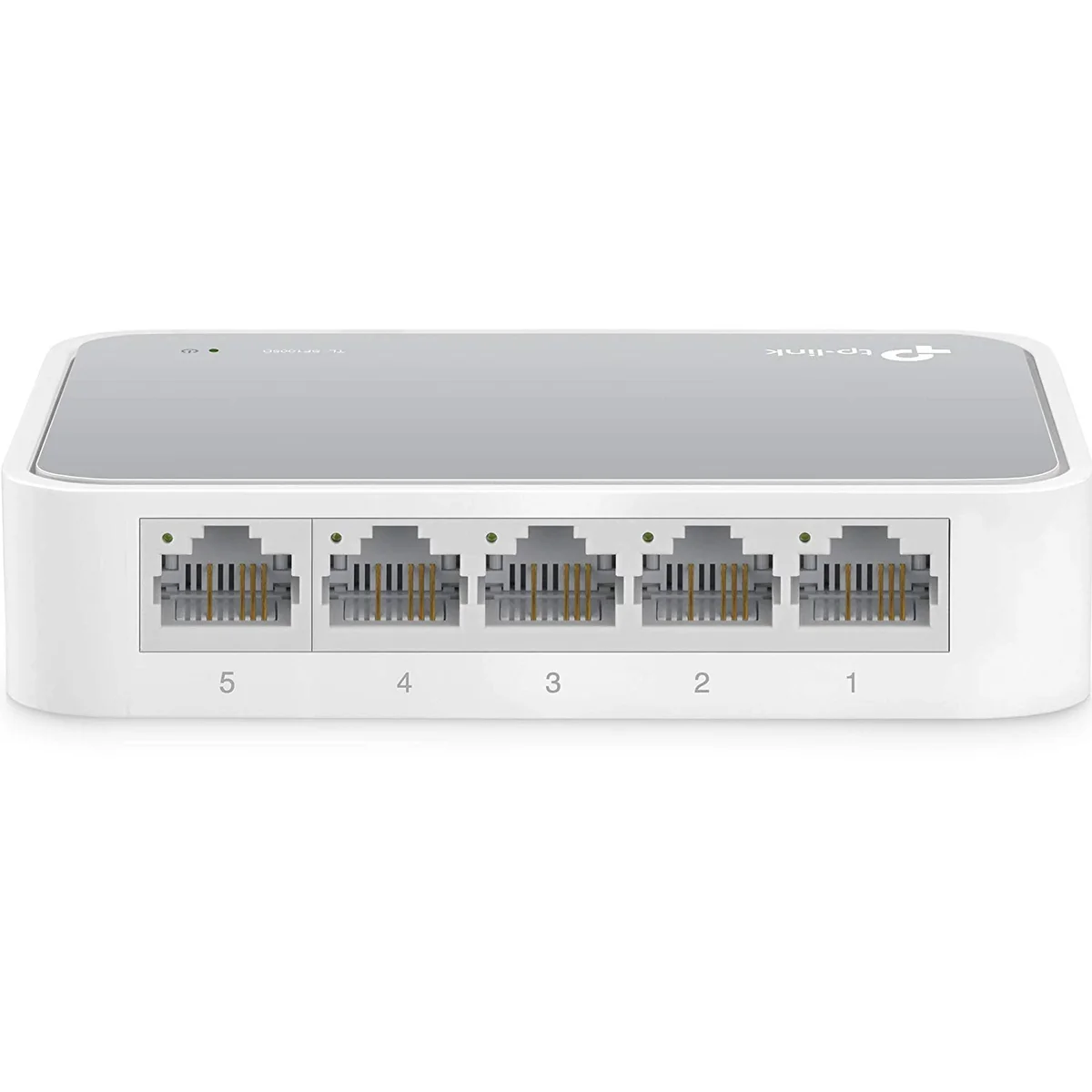
TP-Link
5-Port | Fast Ethernet | Unmanaged
In Stock
TP-Link
5-Port | Gigabit | Unmanaged
In Stock