Who is this switch best for?
- Office LAN expansion
- CCTV and IP camera networks
- WiFi access point connectivity
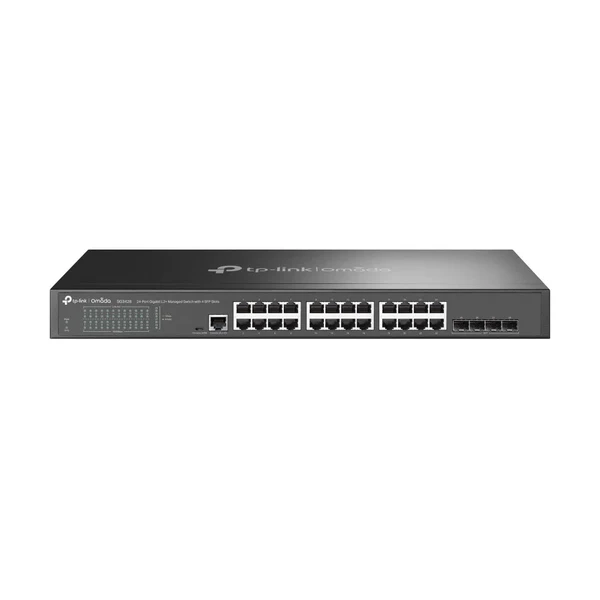
Works with standard Ethernet networking equipment including routers, computers, IP cameras, access points and servers. Confirm port, PoE and mounting requirements before purchase.
Check the product label or manufacturer datasheet for exact input voltage, power adapter and PoE requirements.
The TP-Link TL-SG3428X combines Gigabit endpoint connections, faster uplinks and configurable network management for offices, schools, hotels, retail premises and technical workspaces. It is suited to installations that need more control than an unmanaged switch while retaining flexibility over how the network is administered.
It provides 24 Gigabit RJ45 ports and four additional 10G SFP+ interfaces, allowing ordinary Ethernet equipment to connect alongside suitable upstream switches, gateways or servers. It supports standalone administration or integration with a compatible Omada SDN controller. TP-Link Australia
Request the current TP-Link TL-SG3428X price in Kenya from Network Switch Kenya, including compatible uplink accessories, cabling and installation services.
The TL-SG3428X is a non-PoE managed switch. It carries network traffic but does not supply power to cameras, phones or access points. Those devices require separate compatible power sources.
Its dedicated high-speed interfaces are useful where several endpoints share resources elsewhere on the network. Using an SFP+ connection upstream also preserves the copper ports for endpoint equipment.
Confirm the complete model before ordering. TL-SG3428X, TL-SG3428XMP and models carrying an M2 suffix have different capabilities. Hardware revisions also require matching firmware and documentation.
Specifications follow TP-Link’s model information. Feature availability can differ between standalone and controller operation. TP-Link
The copper connections suit computers, printers, servers and other appropriately equipped Ethernet devices.
Actual throughput depends on the complete connection path. Endpoint adapters, storage performance, cabling and upstream equipment can all limit results.
The switch does not increase the speed supplied by an internet subscription.
Faster Shared UplinksA faster connection between switches can help when many users access shared resources simultaneously.
For example, several Gigabit workstations may share an upstream connection to storage. Each workstation remains limited by its own interface, while the faster uplink provides additional shared capacity.
Dedicated Infrastructure ConnectionsThe uplinks are additional interfaces rather than shared copper/fiber combo pairs. This allows all copper connections to remain available when an SFP+ interface is used upstream.
Select compatible modules or cables for the actual equipment and distance involved.
Standalone or Centralized AdministrationStandalone management is useful when local administration meets the requirements of a single installation.
A compatible controller can bring supported Omada equipment into a shared management environment. Plan ownership, administrator access and backups before adoption.
Do not assume every controller service supports every hardware and firmware combination.
Network Segmentation and Access ControlsManaged functions can support separation between staff, guest, surveillance and other traffic.
A complete segmented network also needs appropriate addressing, routing and security policies. Creating a VLAN on the switch alone does not establish those services.
Static RoutingStatic routes can support a deliberate local network design. Determine where routing should occur and how return traffic reaches each network.
These capabilities do not replace a complete internet firewall or security gateway.
Connect workstations and shared resources while applying the network structure required by the business.
Use an appropriate gateway for internet access and security policies.
Schools and Training FacilitiesSupport administrative equipment and classroom networks with planned separation where necessary.
Assess simultaneous traffic and upstream capacity rather than selecting equipment solely by port count.
Hotels and GuesthousesConnect separately powered access points, business equipment and other Ethernet endpoints.
Guest isolation and access restrictions require coordinated configuration across the gateway, switch and wireless equipment.
Shared Storage and Creative WorkspacesProvide connections for users working with large local files.
Faster uplinks are most useful when servers, storage and applications can use the additional capacity.
Branch and Multi-Switch NetworksConnect local endpoints while linking to a distribution point through suitable high-speed accessories.
Document the topology and avoid redundant physical paths without the required loop-prevention design.
These examples illustrate physical capacity, not guaranteed performance under every workload.
Allow spare ports for expansion and maintenance. If all connections are occupied immediately, a larger switch may be more practical.
Do not assume every accessory with an SFP+ connector is suitable.
For example, TP-Link’s referenced V1.20 page recommends using only one TL-SM5310-T module in this switch. Check the applicable compatibility guidance before planning several copper transceivers. TP-Link Australia
Read the label and obtain matching firmware and installation documentation.
For equipment already in use, preserve the existing configuration before making changes. Do not reset a production switch merely because its address is unknown.
2. Prepare the Network PlanDocument:
Identify devices needing separate power.
3. Install the SwitchUse the correct mounting hardware and leave ventilation paths clear.
Support cable weight and allow access to connectors. Select a dry equipment location with suitable power and space for maintenance.
4. Connect Power and One Upstream LinkConnect the correct mains cable to a suitable supply.
Establish one copper or compatible SFP+ connection to the intended management network. Avoid adding parallel paths during initial setup.
Where continuity is required, size a UPS for the switch and other equipment needed to maintain service.
5. Locate the Management AddressCheck the DHCP server’s lease list where the switch receives an address automatically.
TP-Link’s standalone guidance documents 192.168.0.1 for default switch access. For isolated setup, its example computer address is 192.168.0.100/24.
Follow the initial administrator prompts. Older firmware may use admin/admin, which should be changed immediately. Avoid using a default address on a network where another device already occupies it. Omada Network Support
6. Choose the Management ModeStandalone: Configure locally and maintain a secure record of management settings.
Controller-managed: Confirm compatibility, select the correct Omada site and follow the adoption procedure.
Review how adoption affects existing standalone settings before proceeding. Keep ownership under the organization’s authorized account.
7. Secure AdministrationSet strong credentials and restrict administrative access.
Assign a predictable management address and maintain a recovery path while changing VLANs or access restrictions. Prefer secure administration methods where supported.
8. Review FirmwareUse the release intended for the exact hardware revision and region.
Back up existing settings, review upgrade instructions and maintain stable power. Schedule updates when interruption is acceptable.
9. Configure VLANsFor a typical segmented installation:
Test one segment before moving the complete installation.
10. Configure Routing Only Where RequiredEstablish the intended network interfaces and static routes according to the model-specific guide.
Verify endpoint gateways and return routes. Test security restrictions separately rather than assuming routes enforce them.
11. Configure Aggregation and ResilienceCheck the supported arrangement and configure both ends before adding parallel links.
Aggregation distributes suitable traffic across connections. It does not guarantee that one transfer uses the combined speed of every member link.
12. Connect EndpointsAdd computers, printers and other devices gradually.
Provide separate power where required. Configure cameras, phones and wireless equipment independently of switch adoption.
13. Test Real WorkloadsVerify local resources, internet access and intended network separation.
Check interface errors and negotiated speeds. If file transfers remain slow, investigate storage, endpoint adapters and applications as well as the switch.
14. Save and Back UpUse the documented procedure to retain settings after a restart. Export a configuration backup or preserve the relevant controller backup.
Label cables and record port assignments, management details and module models.
For another managed platform without integrated power, review the UniFi Standard 24 and UniFi Pro 24. Compare uplinks and management requirements separately.
Where endpoint power is needed, assess the UniFi Standard 24 PoE and UniFi Pro 24 PoE.
Orbitlink Solutions also lists the USW-24-PoE and USW-Pro-24-PoE. Check powered-port counts and shared budgets rather than total connections alone.
For another managed approach, review the MikroTik CRS326-24G-2S+RM, checking its configuration and interface arrangement.
For basic unmanaged expansion, compare the TP-Link TL-SG1024D at Orbitlink Solutions, D-Link DGS-1024D at Tawa and Tawa’s separate 24-port Gigabit switch listing.
Reisen SEO lists the TP-Link TL-SG1024, TL-SG1024D and D-Link DGS-1024D. These serve simpler connection requirements.
You can also explore the TP-Link TL-SG1024 on Network Switch Kenya.
Fast Ethernet products belong to a different speed category. Relevant listings include the TL-SF1024D at Orbitlink Solutions and TL-SF1024 at Tawa.
Tawa also lists the D-Link DES-1024D unmanaged model and a separate DES-1024D desktop product.
Additional comparisons include the DES-1024D at Reisen SEO and TP-Link TL-SF1024. Confirm speed and management needs before selecting an alternative.
Confirm the quotation includes the correct mains cable, rackmount kit and documentation.
Specify modules, direct attach cables, fiber leads, Ethernet cables, UPS equipment and installation services separately unless expressly included. Verify hardware revision, condition and warranty terms before ordering.
No. Powered endpoints need a separate compatible source.
Are the four SFP+ interfaces additional to the copper ports?Yes. They are dedicated interfaces rather than shared combo connections.
Is an Omada controller mandatory?No. Standalone administration is available.
Does it provide 10Gbps to ordinary RJ45 endpoints?No. Its copper ports are Gigabit; the faster connections use SFP+.
Can it connect equipment from other manufacturers?Yes, where interfaces, accessories and network protocols are compatible.
Does static routing replace a firewall?No. Plan appropriate security equipment and access policies for the installation.
Contact Network Switch Kenya for a quotation on the TP-Link TL-SG3428X 24-Port Gigabit Omada Managed Switch. Share your endpoint count, uplink equipment and management requirements to confirm suitable accessories and setup.
TP-Link TL-SG3428X 24-Port Gigabit Omada Managed Switch Price in Kenya is currently listed as available. Stock can change, so confirm availability before placing a large order.
The current listed price is KSh 46,000.00. Prices are generated from the product catalogue and may change when inventory is updated.
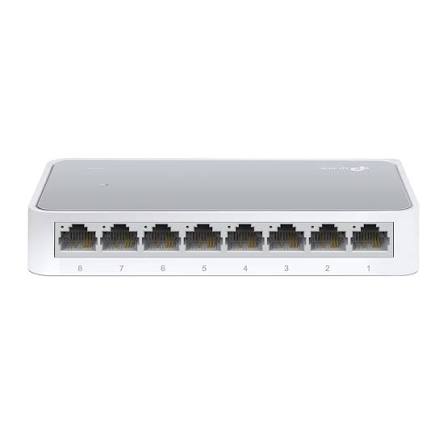
TP-Link
8-Port | Fast Ethernet | Unmanaged
In Stock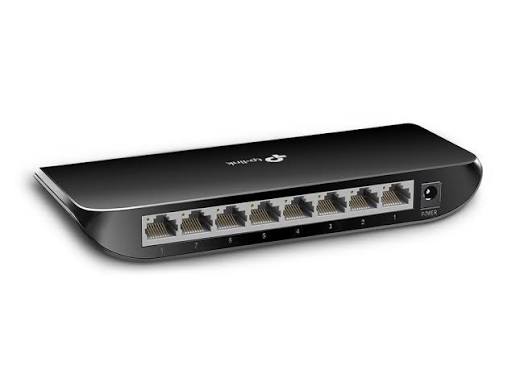
TP-Link
8-Port | Gigabit | Unmanaged
In Stock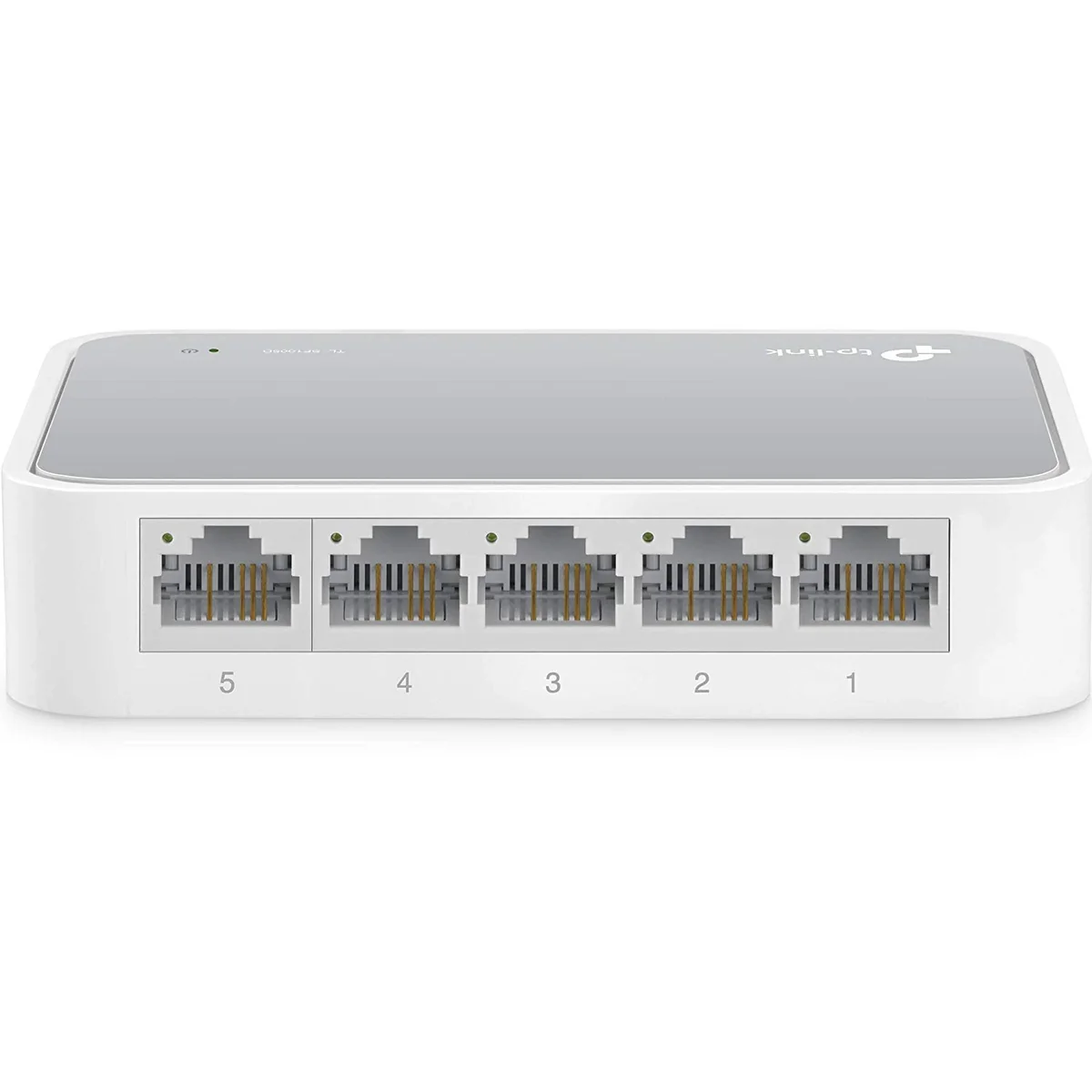
TP-Link
5-Port | Fast Ethernet | Unmanaged
In Stock
TP-Link
5-Port | Gigabit | Unmanaged
In Stock