Who is this switch best for?
- Office LAN expansion
- CCTV and IP camera networks
- WiFi access point connectivity
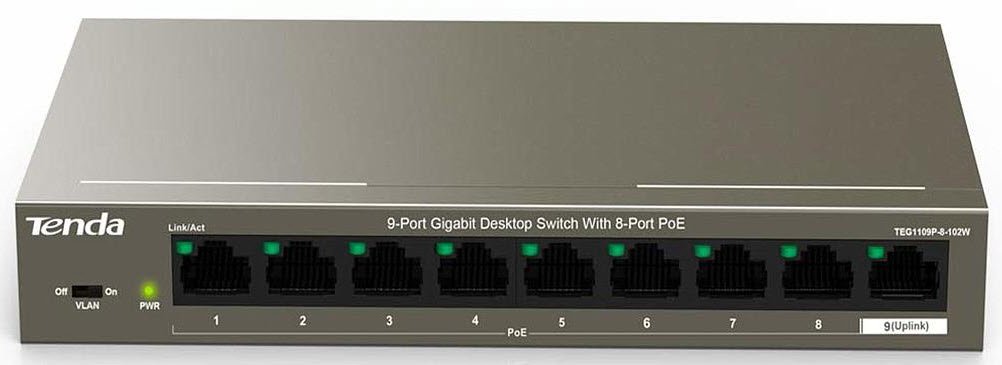
Works with standard Ethernet networking equipment including routers, computers, IP cameras, access points and servers. Confirm port, PoE and mounting requirements before purchase.
Check the product label or manufacturer datasheet for exact input voltage, power adapter and PoE requirements.
The Tenda TEG1109P-8-102W 9-Port Gigabit PoE+ Switch connects and powers compatible IP cameras, wireless access points, and IP phones through Ethernet cabling. It suits small surveillance installations, offices, shops, and hospitality networks that need several powered connections in one location.
Its unmanaged design simplifies installation: connect the power supply, attach the upstream network, and connect compatible devices. There is no administrator dashboard to configure for ordinary operation.
Request the Tenda TEG1109P-8-102W price in Kenya from Network Switch Kenya. Confirm availability and warranty coverage before ordering, as Tenda lists this model among its end-of-life products. old.tendacn.com
The 102W designation is not the usable PoE budget. Tenda’s manufacturer-authored datasheet identifies a shared 92W PoE budget. Eight powered ports cannot each deliver 30W simultaneously within that total. cdn.connectec.uk
A compatible PoE device receives power and data through one Ethernet cable. This reduces the need for an electrical outlet beside every camera, access point, or phone.
It can make installation easier in reception areas, corridors, shops, and other locations where the equipment needs to sit away from existing sockets.
Compatibility still matters. Check the endpoint’s supported PoE standard and maximum power requirement before connecting it.
Keep the Uplink AvailableThe separate data-only connection provides a practical place to connect the router, recording network, or upstream switch. This arrangement leaves the powered connections available for endpoints.
Your network design determines what belongs upstream. A camera installation may connect toward an NVR and viewing network, while an office installation may connect toward the main router.
Support Small Groups of Powered EquipmentThe switch can serve a group of suitable devices without installing an individual injector for each one.
Possible combinations include cameras around a small premises, access points serving several rooms, or a mixture of phones and wireless equipment. The number you can power depends on their combined requirements.
Offer Basic Port IsolationTenda documents an isolation mode in which ports 1–8 cannot communicate directly with one another but can communicate with port 9. This differs from configurable 802.1Q VLAN management on a managed switch. cdn.connectec.uk
Isolation may suit an installation where endpoints should communicate through upstream equipment. It can also prevent legitimate local communication, so select the mode according to the intended design.
Connect compatible cameras to the powered ports and provide an upstream path to the recording system.
The switch supplies connectivity and power; it does not record video. Recording requires a suitable NVR, server, or supported service.
When planning camera power, include nighttime functions such as infrared illumination. Some cameras consume more power after dark than during daytime testing.
Wireless Access Point InstallationsUse the switch to connect compatible access points in offices, guesthouses, shops, or other indoor areas.
Access point configuration remains separate. You may still need to set wireless network names, passwords, guest access, and controller adoption where applicable.
IP TelephonyCompatible IP phones can receive network connectivity and power through the same cable. This helps organize desks and reception areas.
The phones still need the appropriate telephone service, PBX, or SIP settings.
Small Office NetworksA mixed installation can contain powered devices and ordinary Ethernet equipment. A standards-compliant non-PoE endpoint can use a PoE port for data without requiring PoE power.
If the office also needs configurable VLANs, detailed monitoring, or advanced policies, select a managed switch instead.
Calculate the power requirement before purchasing the switch or connecting a full set of devices.
Use each endpoint’s maximum specified consumption, rather than its typical or idle figure. Also allow for cable losses and operating headroom.
An illustrative installation might look like this:
EquipmentExample maximum requirementFour cameras at 9W each36WTwo access points at 16W each32WOne IP phone6WCombined endpoint requirement74WThese are planning examples, not specifications for particular products.
Do not design around the exact maximum available power. Leave room for startup demand, changes in operating conditions, and future replacement devices.
If your equipment exceeds the shared budget or individual port capability, choose a higher-capacity solution.
The TEG1109P-8-102W expands the wired network and supplies compatible endpoints. It does not replace the router’s internet gateway, firewall, DHCP, or routing functions.
For a wired MikroTik gateway, investigate the MikroTik L009UiGS-RM. If the gateway itself also needs wireless capability, review the MikroTik L009UiGS-2HaxD-IN.
For a more demanding router deployment, compare the MikroTik RB5009UG+S+IN. Assess each router separately against the required throughput, interfaces, and network services.
Confirm that the label reads TEG1109P-8-102W.
Tenda has similarly named TEF products with different interface speeds. Match the product label, adapter, and installation guide before proceeding.
2. Check Endpoint CompatibilityFor every camera, access point, or phone, confirm:
Do not assume that all equipment described as “PoE” accepts the same voltage or power method.
3. Prepare the CablingUse suitable Cat5e or Cat6 Ethernet cable with correctly terminated connectors.
For permanent PoE installations, choose properly specified solid-copper cable and test the completed runs. Poor terminations and unsuitable cable can cause connection failures or power instability.
Plan ordinary copper Ethernet runs within standard channel limits. Do not assume that long-distance features documented for another Tenda model apply to this switch.
4. Position the SwitchInstall the switch indoors in a dry, accessible location. Keep it away from water, excessive heat, and places where cables may be pulled.
For wall mounting, follow the supplied guide and use fixings appropriate for the wall. Leave space for ventilation and access to the power connection.
Outdoor cameras require suitable outdoor cabling and protection; the switch itself should remain in an appropriate protected location.
5. Choose the Operating ModeStart with Standard mode when devices need normal communication across the switch.
Use the isolation mode only when its communication restrictions match your design. For example, placing a recorder on an isolated endpoint port may prevent it from reaching cameras on other isolated ports.
Follow the device’s instructions when changing its physical mode selector.
6. Connect the Correct Power SupplyAttach the supplied or manufacturer-approved adapter to the switch, then connect it to the electrical outlet.
Check the power indicator before adding endpoints.
Do not substitute another adapter solely because its connector fits. Voltage, polarity, connector dimensions, and current capacity must all be suitable.
7. Connect Port 9 to the Upstream NetworkUse an Ethernet cable to connect port 9 to the intended router, upstream switch, or recording network.
An example layout is:
ConnectionExample purposePort 9Router or upstream networkPorts 1–4Compatible IP camerasPorts 5–6Compatible access pointsPort 7Compatible IP phonePort 8Spare connectionThis layout is illustrative. Confirm both the communication requirements and total power demand of your actual equipment.
8. Connect Devices One at a TimeConnect the first powered device and confirm that it starts correctly.
Add the remaining devices individually. This makes it easier to identify a cable fault, incompatible endpoint, or excessive power demand.
Check both power and network operation. A device lighting up does not confirm that it has obtained the correct address or can reach its server.
9. Configure the Connected EquipmentThe switch requires no management login for basic operation, but endpoints may need configuration.
For example:
On a DHCP-enabled network, address assignment normally comes from the router or designated DHCP server.
10. Test Normal Operating ConditionsCheck the services that users will rely on:
Label the cables and retain a simple port schedule for future maintenance.
Confirm the package contents and correct regional power supply before ordering.
Plan separately for Ethernet patch cables, permanent cabling, mounting accessories for endpoints, and any required surge protection.
If continuity during power interruptions matters, provide backup power for the complete service. Depending on the installation, this may include the switch, router, NVR, and upstream equipment.
Are all nine ports powered?
No. Ports 1–8 provide PoE, while port 9 is the data-only uplink.
Is the full 102W available to connected equipment?
No. The manufacturer identifies a separate shared PoE budget; use that figure when planning endpoint power.
Can I connect eight cameras?
Potentially, provided every camera is compatible and the combined power requirement fits the available budget with suitable headroom.
Does it record CCTV footage?
No. It connects and powers compatible cameras. Recording requires separate equipment or a supported service.
Can it create configurable VLANs?
Its isolation mode provides fixed port separation. Choose a managed switch for configurable tagged VLANs.
Does it replace my router?
No. Keep an appropriate router or firewall for internet access and network services.
What is the price in Kenya?
Request a current quotation from Network Switch Kenya and confirm stock status, warranty coverage, and supplied accessories.
Choose the Tenda TEG1109P-8-102W when its port layout and power capacity match your small PoE installation.
Visit Network Switch Kenya to request pricing or ask about a current alternative with the required power budget, management features, and support coverage.
Tenda TEG1109P-8-102W 9-Port Gigabit PoE+ Switch Price in Kenya is currently listed as available. Stock can change, so confirm availability before placing a large order.
The current listed price is KSh 8,900.00. Prices are generated from the product catalogue and may change when inventory is updated.
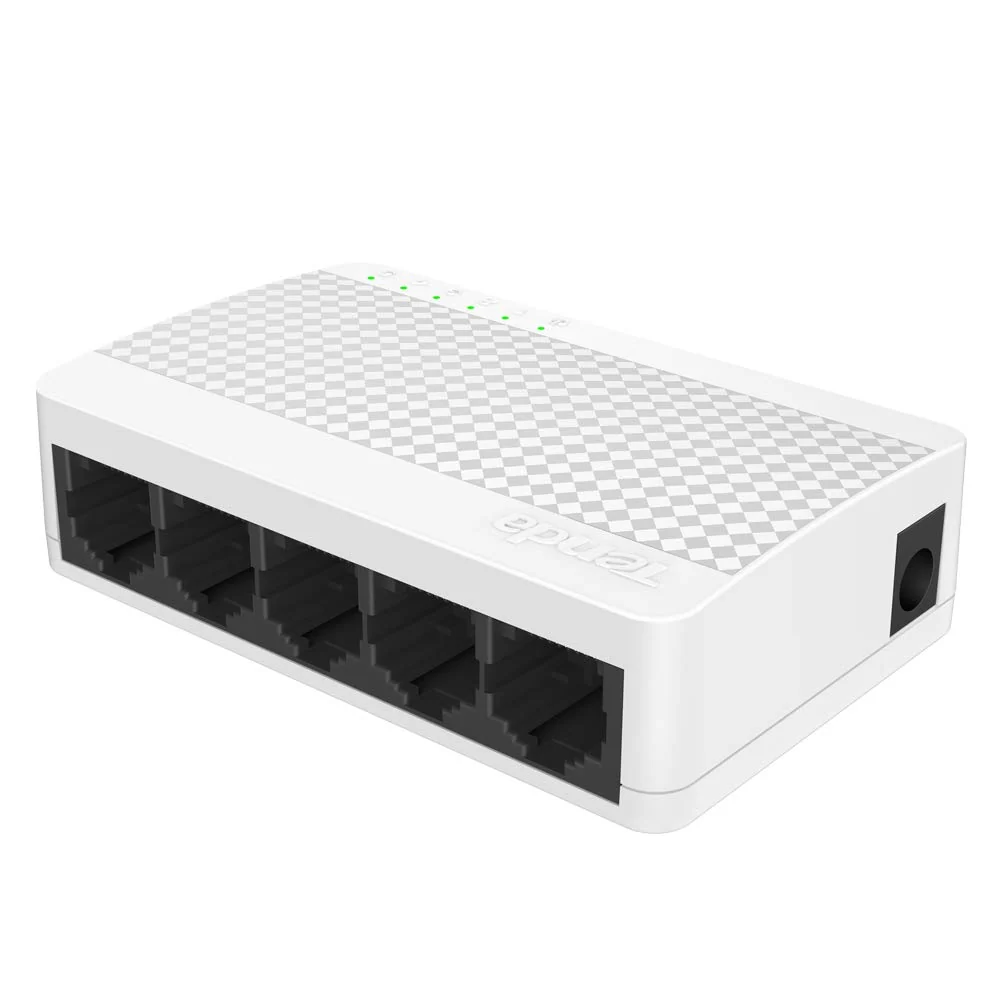
Tenda
5-Port | Fast Ethernet | Unmanaged
In Stock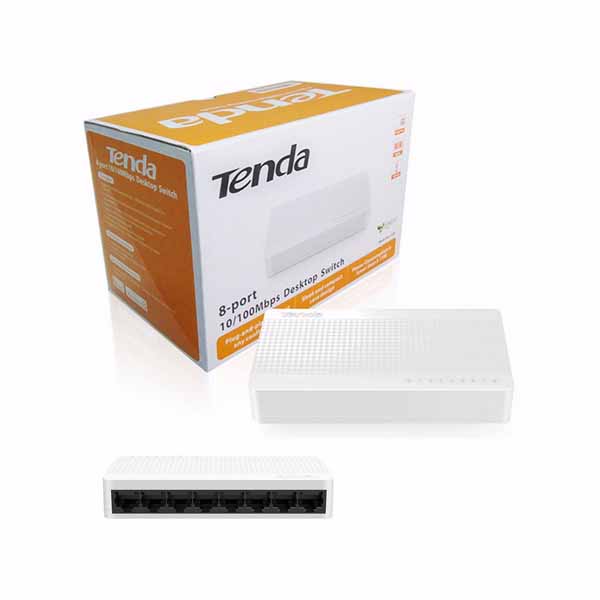
Tenda
8-Port | Fast Ethernet | Unmanaged
In Stock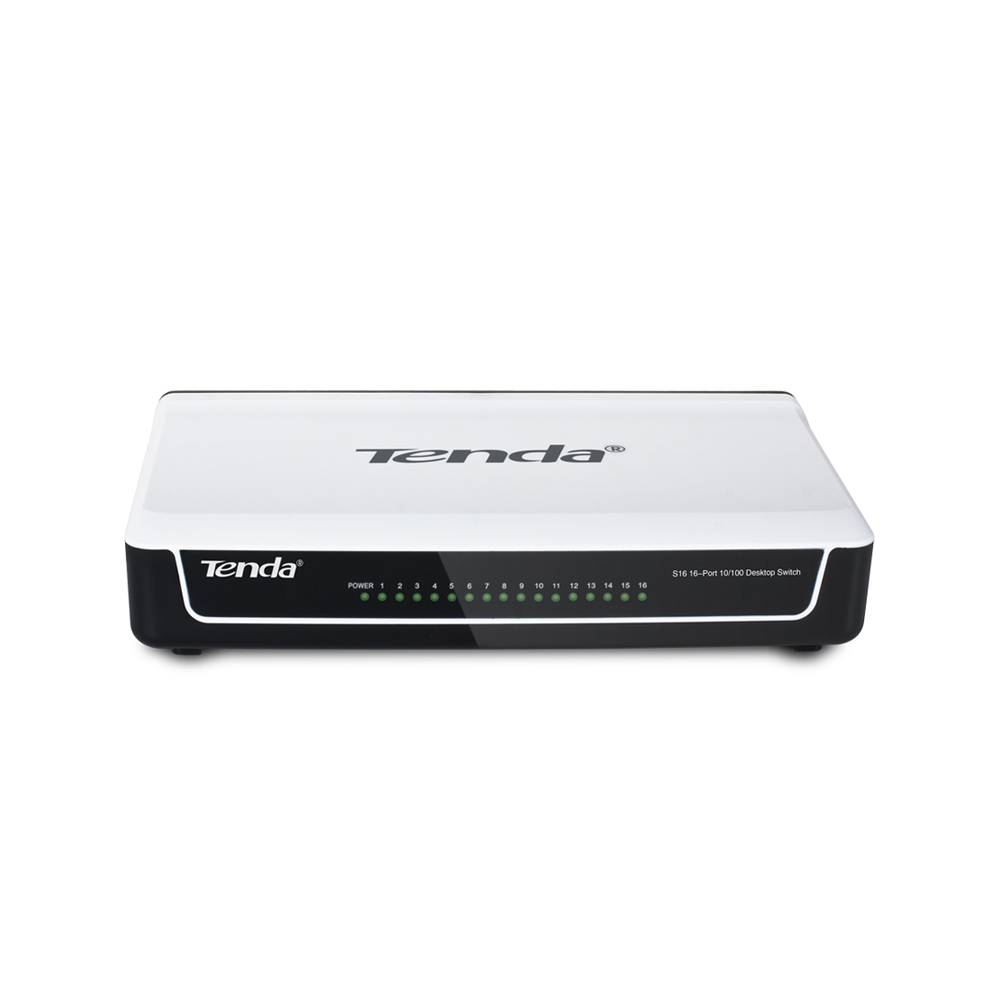
Tenda
16-Port | Fast Ethernet | Unmanaged
In Stock
Tenda
24-Port | Gigabit | Unmanaged
In Stock