Who is this switch best for?
- Office LAN expansion
- CCTV and IP camera networks
- WiFi access point connectivity
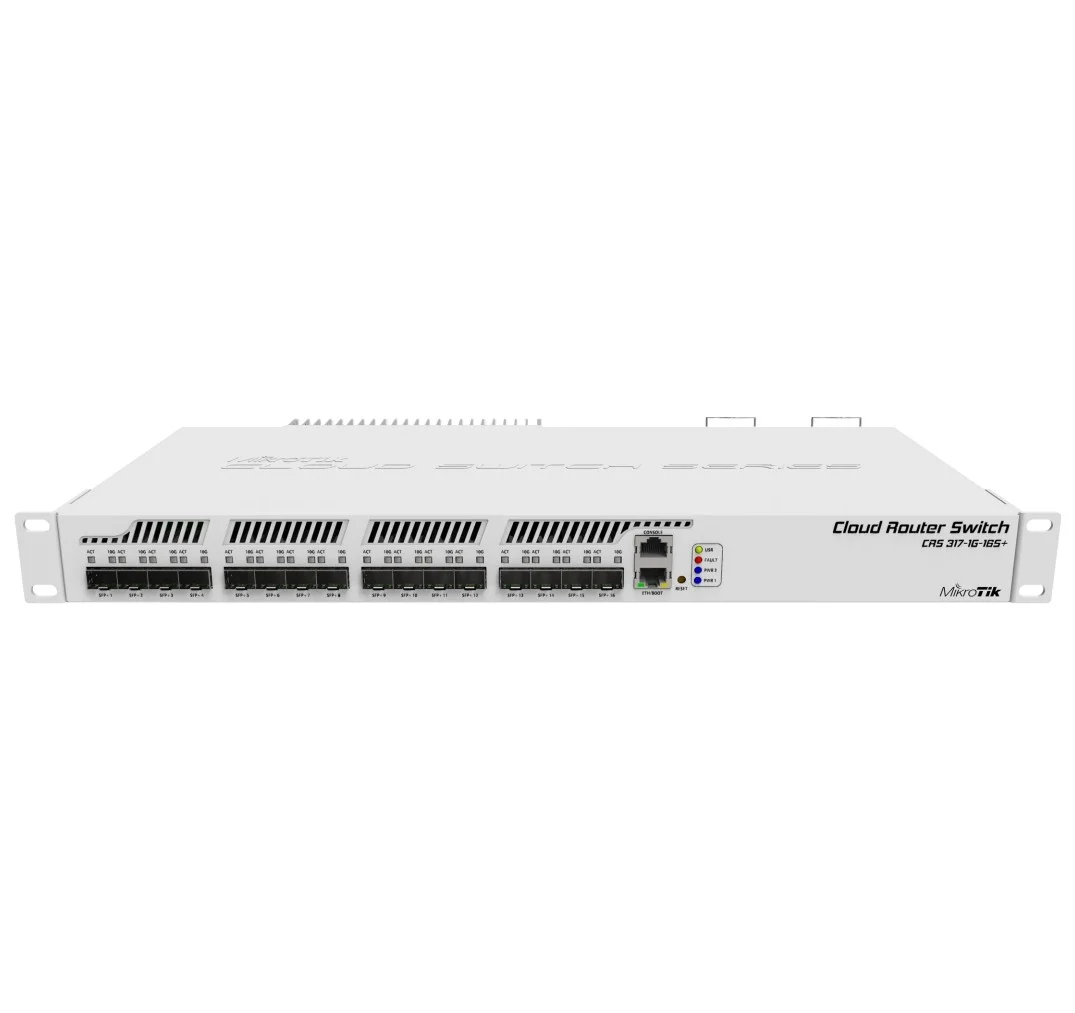
Works with standard Ethernet networking equipment including routers, computers, IP cameras, access points and servers. Confirm port, PoE and mounting requirements before purchase.
Check the product label or manufacturer datasheet for exact input voltage, power adapter and PoE requirements.
The MikroTik CRS317-1G-16S+RM is a rack-mounted managed switch designed for networks that need multiple 10 Gigabit connections. It suits server connectivity, storage networks and aggregation points linking several switches or network locations.
Its 17 network ports comprise 16 × 10Gbps SFP+ interfaces and one Gigabit Ethernet port. The copper port provides a convenient management connection; it is not a seventeenth 10Gbps interface. CRS317-1G-16S+RM
For businesses, schools and service providers in Kenya, the CRS317 offers a compact way to consolidate high-speed connections. Select the optical modules or direct-attach cables around the equipment, distance and media required for each link.
Contact Network Switch Kenya for a quotation covering the switch and the accessories needed for your installation.
Confirm:
You can also review the MikroTik CRS317-1G-16S+RM listing at MikroTik Kenya when identifying the product. Ensure your quotation includes compatible accessories rather than assuming they come with the switch.
Browse networking equipment at Network Switch Kenya for your wider installation.
The SFP+ interfaces provide connections for equipment with compatible 10Gbps interfaces. This is useful where several access switches, servers or storage devices need to communicate through a central point.
Actual application performance depends on the complete path, including endpoint interfaces, storage performance and network configuration.
Flexible Connection MediaCompatible optical modules can support fibre links, while suitable direct-attach cables can connect nearby equipment.
Check compatibility at both ends. The connector type, optical wavelength, fibre type and supported link rate must suit the installation.
Hardware-Based SwitchingThe switch chip handles supported forwarding tasks without sending every packet through the CPU. Correct configuration is therefore important to achieving the intended performance.
Routing, firewalling and other processing-intensive functions require separate assessment. Do not assume that the presence of RouterOS makes every feature operate at the aggregate switching rate.
Dual Operating-System ChoiceThe device supports RouterOS or SwOS. Choose the operating system around the management and configuration requirements of the installation.
RouterOS provides broader configuration options, while SwOS focuses on switch administration. Settings and management methods differ between them.
Redundant Power and Temperature-Controlled CoolingThe switch has dual power supplies. Its cooling arrangement includes fans that operate when required, so it should not be described as permanently fanless. CRS317-1G-16S+RM
Separate upstream power sources can improve resilience where the electrical installation supports them.
Watch the MikroTik CRS317 product video on YouTube
Specifications follow MikroTik’s product documentation. CRS317-1G-16S+RM
Connect compatible servers and storage equipment where Gigabit links would restrict the required traffic.
Before upgrading, assess whether the endpoints can generate and receive the intended throughput.
Access-Switch AggregationBring several compatible high-speed uplinks into one distribution point. Plan capacity around simultaneous traffic rather than connection count alone.
Campus and Commercial NetworksUse appropriate optical modules to connect network locations over fibre. Design redundancy, VLANs and management access consistently across the installation.
Networks with Dedicated RoutingUse the CRS317 for switching alongside routing equipment selected for gateway services.
The MikroTik CCR2004-1G-12S+2XS at Orbitlink Solutions is a separate router to assess where routing capacity is required.
The MikroTik RB1100AHx4 at Tawa serves different routing and interface requirements. Neither should be treated as an interchangeable replacement for this SFP+ switch.
For smaller Gigabit distribution points, review the MikroTik RB260GS at Network Switch Kenya.
Create a port schedule showing each remote device, required speed, media and VLAN arrangement.
Confirm transceiver or cable compatibility before installation. Include connector clearance and cable bend requirements in the rack layout.
2. Choose RouterOS or SwOSSelect the operating system before configuring the production network.
Use the corresponding manual. RouterOS commands do not apply directly to SwOS, and changing operating systems should be planned rather than used as a routine troubleshooting step.
3. Mount and Connect PowerInstall the rack hardware according to the supplied guide. Allow ventilation around the enclosure and sufficient access to cables.
Connect the power supplies to suitable grounded sources. Where independent protected feeds are available, use them to reduce reliance on one upstream supply.
4. Establish Management AccessFor initial setup, connect a configuration computer through the Gigabit Ethernet port and follow the supplied access instructions.
Factory configuration and credentials may vary. Set strong credentials, assign a recognizable device identity and record the management address.
Keep the switch isolated from the production network until address conflicts and management settings have been checked.
5. Review FirmwareUse packages intended for the chosen operating system and hardware.
Back up an existing configuration before updating. Maintain stable power and verify management access after the update.
6. Configure Hardware-Offloaded SwitchingIn RouterOS, inspect the existing bridge configuration before adding or changing ports.
Use a suitable bridge design and verify that intended switching ports show hardware offload. Features that redirect traffic to CPU processing can affect performance, so check the results rather than assuming offload remains active.
MikroTik’s bridging documentation explains bridge configuration and the conditions affecting hardware forwarding. MikroTik Documentation
7. Configure VLANs CarefullyPlan access ports, tagged uplinks and management access before enabling filtering.
Populate the required VLAN membership and coordinate settings with connected equipment. Preserve a working management path while applying changes.
For RouterOS, a planned change using Safe Mode can help protect access during configuration.
8. Insert Modules and Connect LinksInstall verified compatible transceivers or direct-attach cables. Connect one link at a time and confirm the negotiated speed.
Match fibre links at both ends and protect unused optical connectors with caps. Keep the serial-console socket separate from Ethernet connections.
9. Configure Redundancy or AggregationIf using redundant paths, implement an appropriate loop-prevention design.
Configure aggregation consistently at both ends. Multiple physical links do not automatically multiply the speed of one traffic flow.
10. Test Real TrafficTest transfers between capable endpoints rather than relying only on a test generated by the switch’s CPU.
Check link rates, errors, CPU usage and hardware-offload status. Test VLAN access and any redundancy behaviour.
Save the configuration and document ports, modules and management settings.
MikroTik lists rack ears, two IEC power cords and a screw kit. Confirm the seller’s complete package.
Transceivers, fibre leads and direct-attach cables should be specified separately. CRS317-1G-16S+RM
No. There are 16 SFP+ interfaces and one Gigabit copper Ethernet interface.
Can it power cameras or access points?No. Those devices need a compatible PoE switch, injector or separate power source.
Can it perform routing?RouterOS provides routing functions, but assess the configuration and performance required. Switching capacity does not guarantee equivalent routing throughput.
Is it completely silent?Not under every condition. Fans can operate when cooling is required.
Are optical modules included?Confirm the quotation. Do not assume they are supplied.
Contact Network Switch Kenya for a quotation. Include your connection distances, endpoint models and required network configuration so the switch and accessories can be assessed together.
MikroTik CRS317-1G-16S+RM 17-Port 10G SFP+ Switch Price in Kenya is currently listed as available. Stock can change, so confirm availability before placing a large order.
The current listed price is KSh 62,000.00. Prices are generated from the product catalogue and may change when inventory is updated.
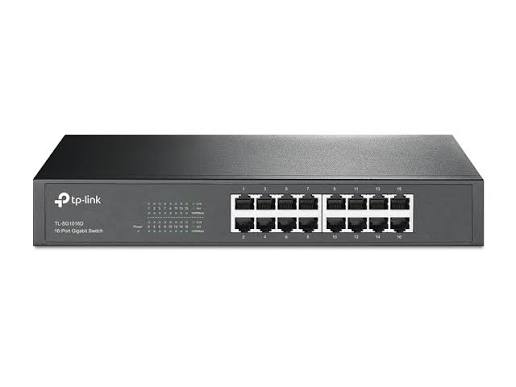
TP-Link
16-Port | Gigabit | Unmanaged
In Stock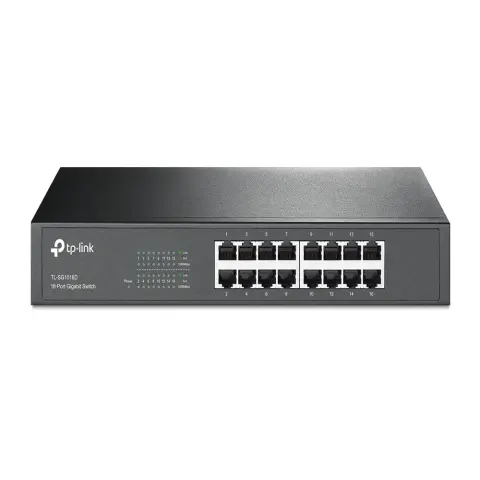
TP-Link
16-Port | Gigabit | Unmanaged
In Stock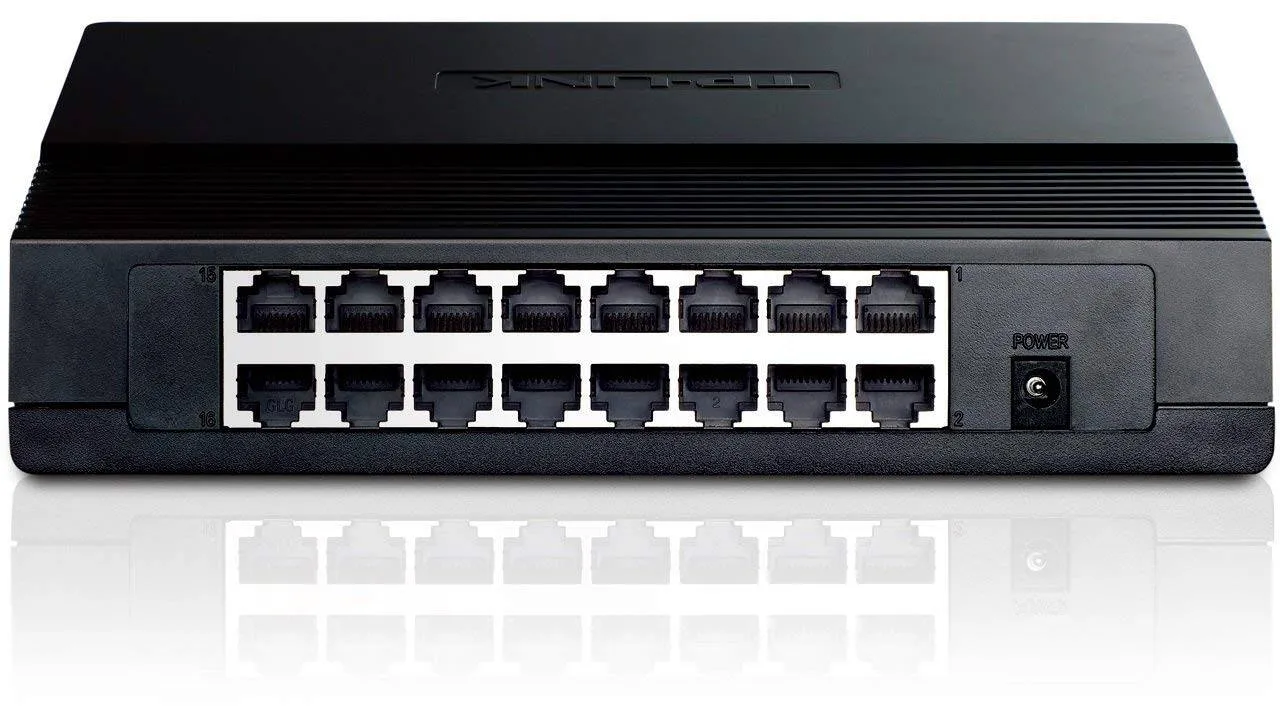
TP-Link
16-Port | Fast Ethernet | Unmanaged
In Stock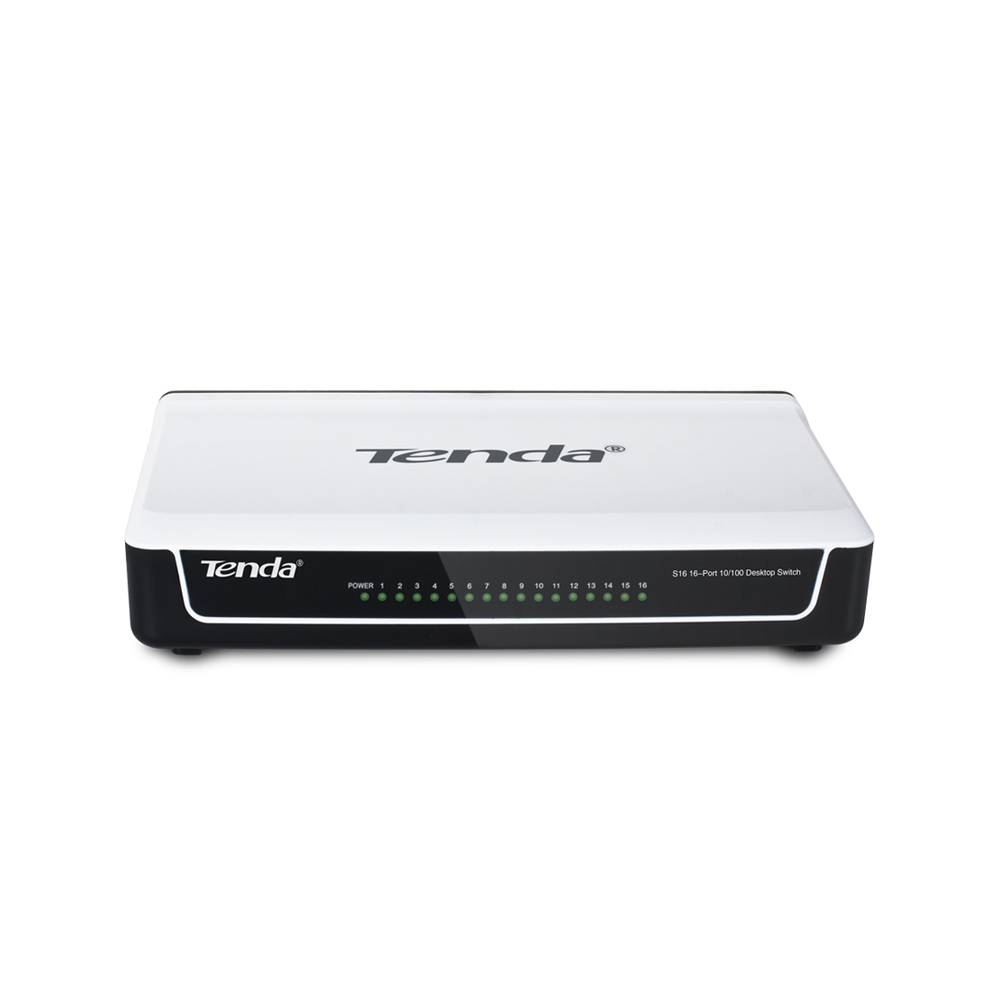
Tenda
16-Port | Fast Ethernet | Unmanaged
In Stock