Who is this switch best for?
- Office LAN expansion
- CCTV and IP camera networks
- WiFi access point connectivity

Works with standard Ethernet networking equipment including routers, computers, IP cameras, access points and servers. Confirm port, PoE and mounting requirements before purchase.
Check the product label or manufacturer datasheet for exact input voltage, power adapter and PoE requirements.
The D-Link DGS-1016C is a 16-port Gigabit unmanaged switch designed to expand wired connectivity in homes, offices, shops and other small business networks. It connects computers, printers, network storage and other Ethernet devices without requiring switch-management software or complicated configuration.
Its 16 × 10/100/1000Mbps ports support compatible equipment at Gigabit speeds while accommodating older Ethernet devices. Plug-and-play operation makes it practical for installations that need straightforward connectivity. dlink.com
For Kenyan businesses expanding an existing LAN, the DGS-1016C provides a convenient distribution point downstream of the router. It does not provide Wi-Fi, internet service or PoE power.
Contact Network Switch Kenya for a quotation for the D-Link DGS-1016C 16-Port Gigabit Unmanaged Switch.
Confirm the hardware revision, supplied power accessories, mounting hardware, warranty terms and delivery arrangements. Include suitable Ethernet cables and installation services where required.
Browse networking equipment at Network Switch Kenya when preparing your installation.
You can also explore D-Link equipment at Tawa when comparing models. Check the exact model number and interface speeds before purchasing.
Gigabit ports provide capacity for capable computers, storage devices and other equipment. This can improve local transfers compared with a Fast Ethernet installation.
Actual application performance depends on endpoint capabilities, storage speed, cabling and network conditions. The switch cannot increase the speed supplied by an internet provider.
Sixteen Connections for Network ExpansionThe switch adds connection points where the router’s LAN ports are insufficient.
If one port connects to the router, 15 ports remain for local devices. That uplink is shared by traffic travelling between the switch and the upstream network.
Plug-and-Play OperationThe unmanaged design requires no VLAN configuration, management IP address or administrator account for ordinary operation.
The upstream router continues to provide DHCP, internet routing and firewall protection.
Automatic Link NegotiationThe switch automatically negotiates supported connection settings. Auto MDI/MDIX simplifies ordinary Ethernet connections without requiring a dedicated crossover cable.
Quiet, Energy-Efficient DesignFanless operation avoids fan noise. D-Link also documents power-saving behaviour based on link activity and cable length.
Provide ventilation around the unit even though it has no cooling fan. D-Link
Watch the supplied D-Link DGS-1016C product video on YouTube
Specifications follow D-Link’s product information and datasheet. Confirm physical and power details against the hardware revision supplied. D-Link
Each port supports a connection rate of up to 1Gbps. Actual file-transfer or internet throughput will be lower because of protocol overhead and other limitations.
Full-duplex operation allows simultaneous sending and receiving at the supported rate. It does not create a 2Gbps one-direction connection.
The 32Gbps switching-capacity figure describes aggregate bidirectional capacity across the switch, rather than the speed of one connection.
For a device to establish a Gigabit link, its interface and cabling must also support Gigabit Ethernet. Damaged cables, incomplete terminations or slower endpoints can cause negotiation at 100Mbps.
Connect workstations, printers and other equipment through a central wired distribution point. This helps reduce reliance on Wi-Fi for stationary devices.
Home NetworksProvide wired connections for computers, televisions and suitable storage devices. Local transfers benefit only where the connected equipment can support the required throughput.
Retail PremisesConnect compatible tills, printers and office computers. Confirm business-software and payment-equipment requirements when planning the network.
Classrooms and Training RoomsExpand wired connections for computers. Include simultaneous downloads and shared-server traffic when assessing the upstream connection.
CCTV Network ConnectionsCarry camera traffic to a recording network where capacity is sufficient. Cameras require their own compatible power supplies or injectors because the DGS-1016C has no PoE output.
The DGS-1016C expands an existing network. It does not replace the router that provides gateway services.
The supplied MikroTik Kenya catalogue link and MikroTik equipment search at Orbitlink Solutions provide places to explore complementary equipment.
Select the router around internet speed, user load and required functions. A slower router connection can still limit traffic leaving the switch.
If you need configurable switching, review the MikroTik RB260GS at Network Switch Kenya, noting its smaller port count and different feature set.
Confirm that the label identifies DGS-1016C and record the hardware revision.
Inspect the supplied power equipment and documentation. Do not confuse it with a DES-series Fast Ethernet model.
2. Choose a Suitable LocationPlace the switch on a stable indoor surface or use the mounting arrangement specified for the supplied unit.
Allow ventilation and cable clearance. Keep it away from moisture and avoid covering ventilation openings.
3. Connect PowerUse the supplied power accessories and follow the electrical rating on the unit.
Check that the power indicator lights. If using a UPS, remember that internet continuity also depends on the router and service equipment.
4. Connect the RouterConnect a router LAN port to any switch port using a suitable Ethernet cable.
Keep the router’s WAN connection attached to the internet service. Begin with one uplink to avoid accidental loops.
5. Connect Local DevicesAttach computers, printers and other equipment to the remaining ports.
Provide separate compatible power arrangements for devices that require PoE. Connecting a PoE camera or access point to this switch alone will not power it.
6. Check Network AddressingMost computers should obtain settings from the router’s DHCP server.
The switch needs no management IP address. Configure static addresses on endpoints only where required by the network plan.
7. Verify Link SpeedCheck the endpoint’s connection status or the indicators described in the supplied guide.
If a Gigabit-capable device negotiates at 100Mbps, test with a known-working cable and inspect the termination. Confirm that the device’s network interface is correctly configured.
8. Test ApplicationsCheck access to the router, internet and local resources. Test file transfers between capable endpoints where relevant.
A slow internet test does not necessarily indicate a switch fault; the service, router and test conditions also affect results.
9. Avoid Redundant Cable LoopsDo not connect extra parallel links between switches without an appropriate design.
The DGS-1016C offers no configurable link-aggregation interface. Extra cables do not automatically increase connection capacity.
10. Label the InstallationLabel cable destinations and record port assignments. Leave manageable service length without tension or sharp bends.
Confirm that the seller supplies the switch, appropriate power accessories and documentation.
Ask separately about mounting brackets, screws and rubber feet. Ethernet cables and installation materials should be included in the quotation where required.
Yes. Its ports support 10/100/1000Mbps connections.
Does it need software configuration?No. Ordinary operation is plug-and-play.
Can it provide Wi-Fi?No. Connect a separate wireless access point.
Can it power PoE devices?No. Use compatible injectors, a PoE switch or another approved power source.
Can it increase internet speed?It cannot increase the service supplied by your provider. It can provide suitable Gigabit local connections.
Contact Network Switch Kenya for a quotation. Include your device count and network requirements so the switch and supporting accessories can be assessed.
D-Link DGS-1016C 16-Port Gigabit Unmanaged Switch Price in Kenya is currently listed as available. Stock can change, so confirm availability before placing a large order.
The current listed price is KSh 5,500.00. Prices are generated from the product catalogue and may change when inventory is updated.
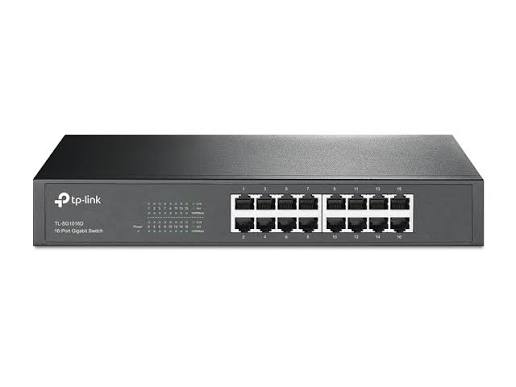
TP-Link
16-Port | Gigabit | Unmanaged
In Stock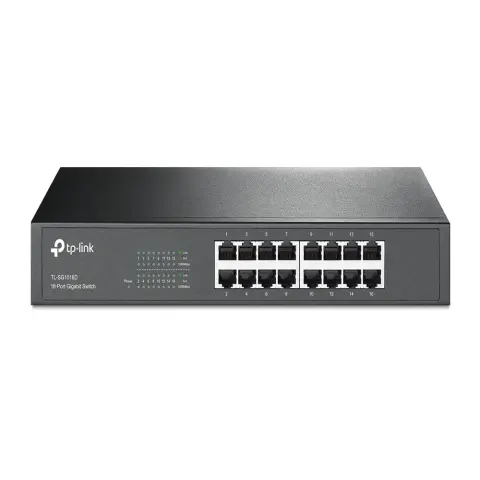
TP-Link
16-Port | Gigabit | Unmanaged
In Stock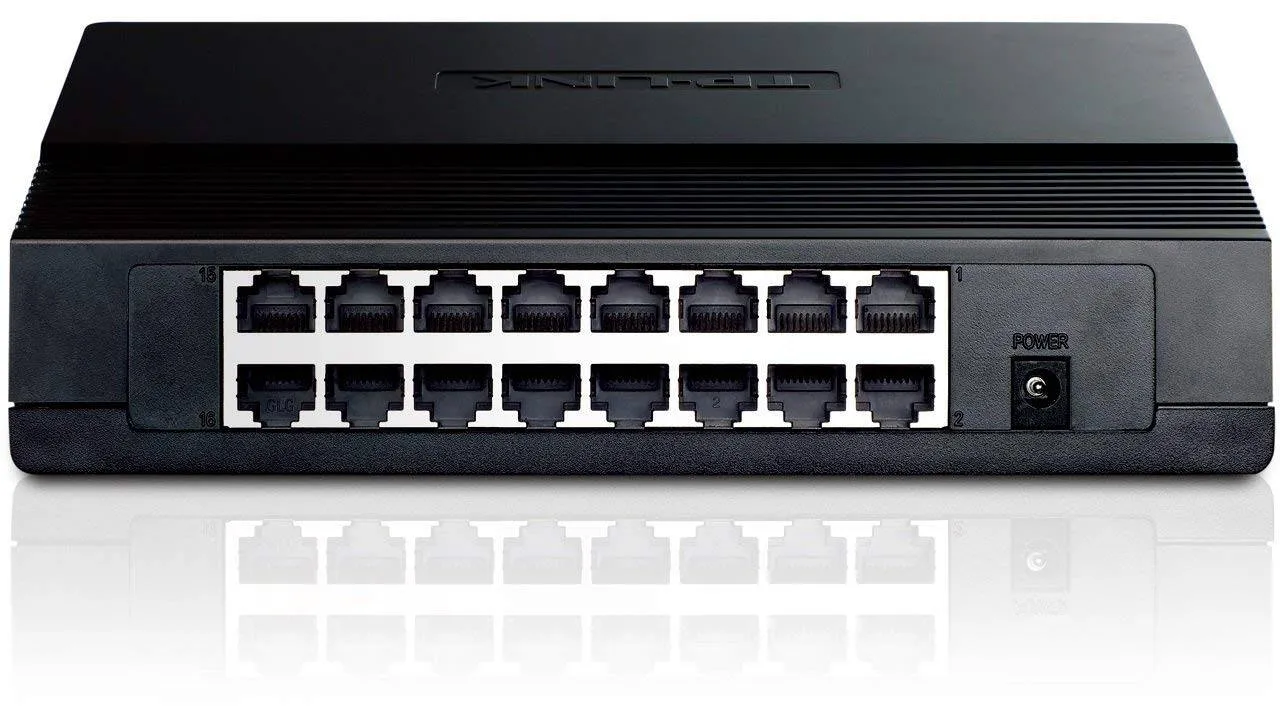
TP-Link
16-Port | Fast Ethernet | Unmanaged
In Stock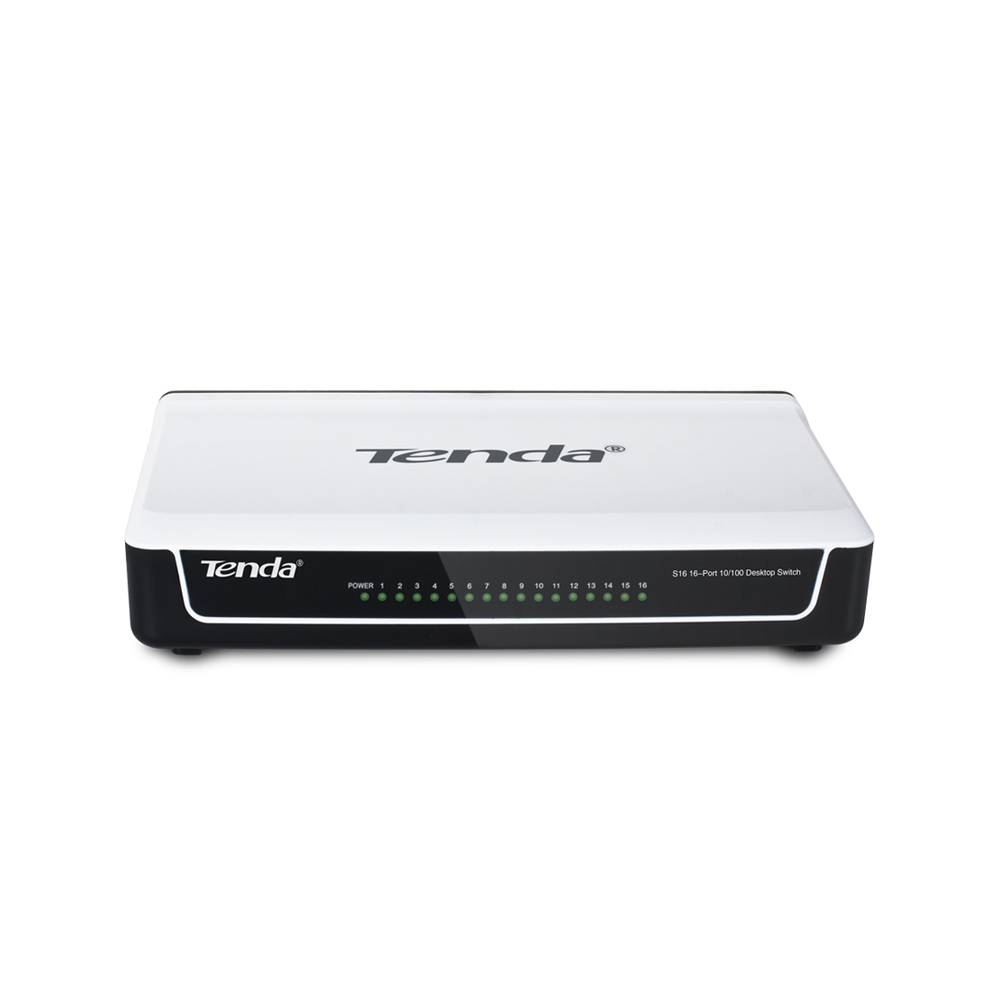
Tenda
16-Port | Fast Ethernet | Unmanaged
In Stock